Quick Start
A fast track to a stunning setup.
2
Agree to the terms
The terms appear only once. Read and accept to continue.
3
Find a video you love
Discover free wallpaper videos on Pexels.
4
Add the video
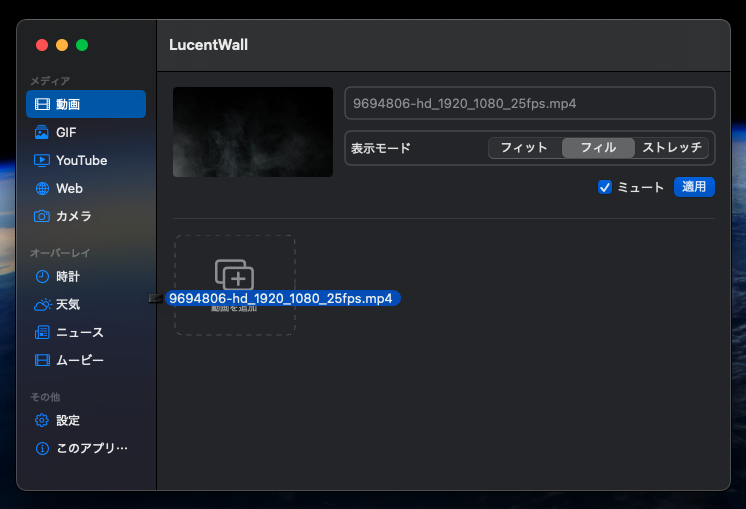
Drag and drop onto “Add Video”, or click the button and pick a file, then press Apply.
Currently MP4 files are supported. Please double-check the file extension.
5
Show the clock
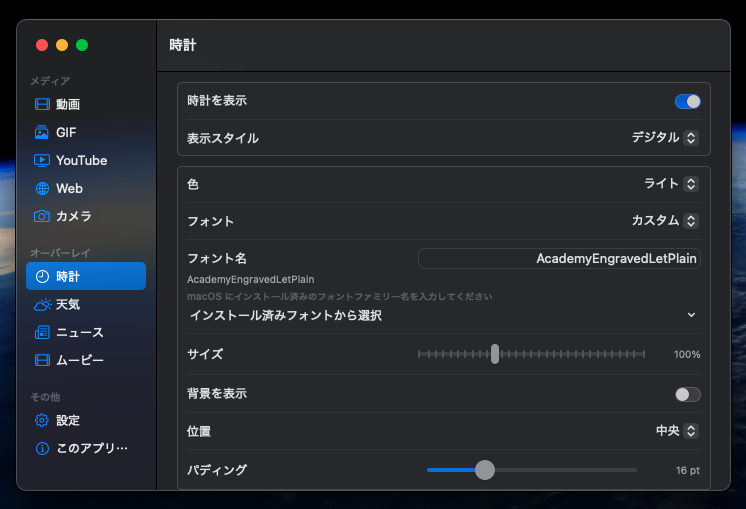
Open Overlay > Clock and tweak the settings to your taste. We recommend the first custom font preset.
6
Turn on weather
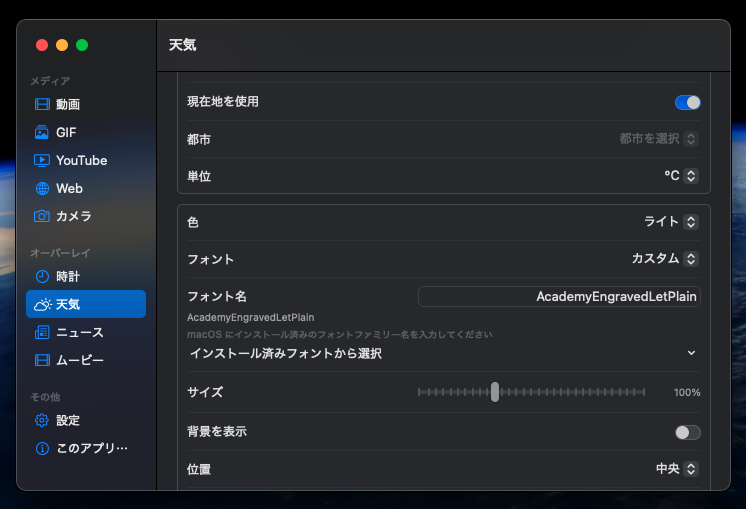
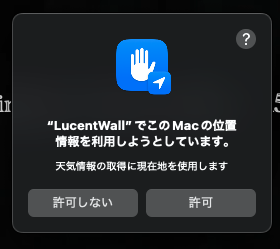
Enable Overlay > Weather, then allow location access so we can show the forecast for where you are.
8
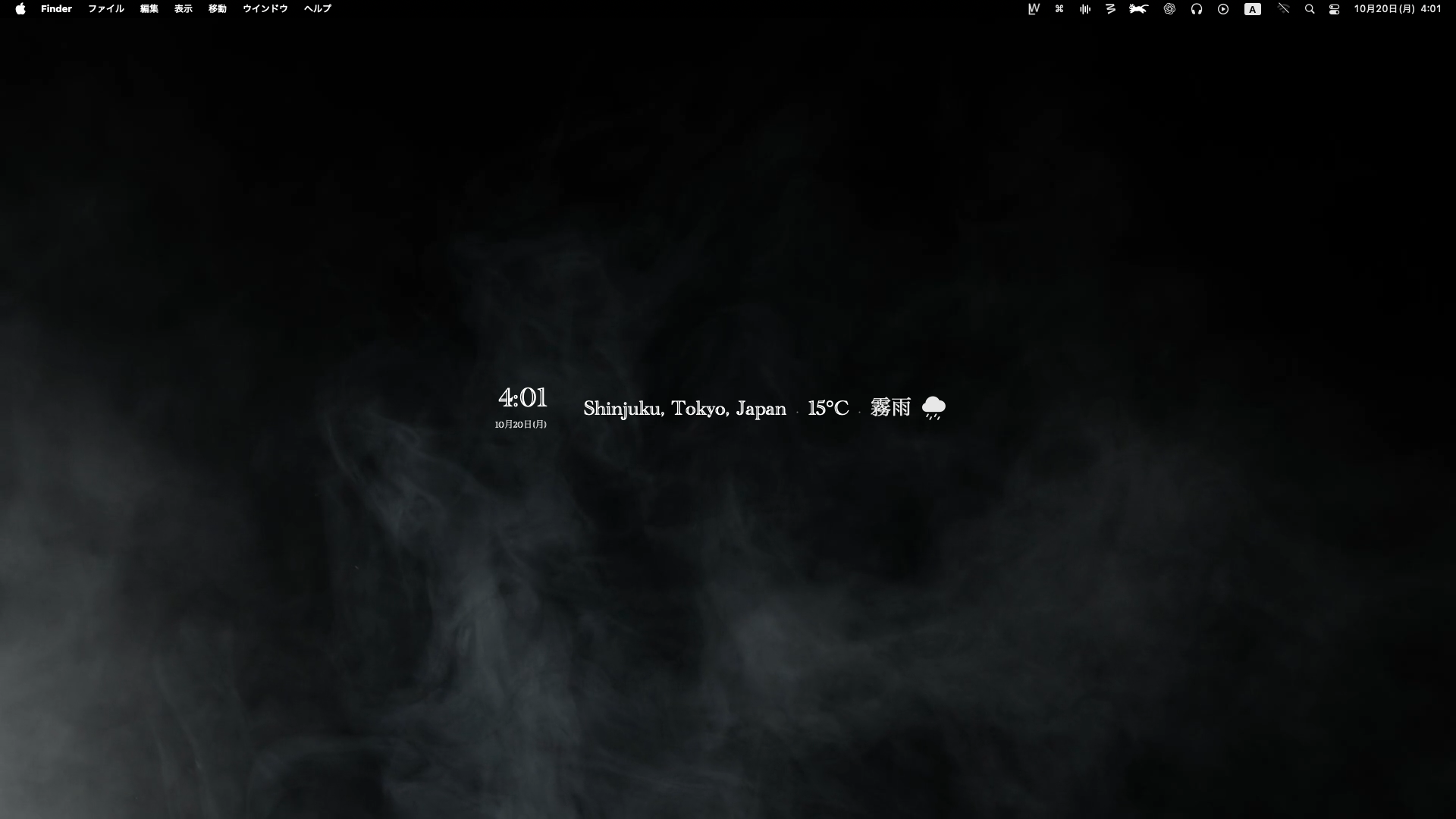
All set 👏
Have you got motion and live widgets on screen? If the location looks off, briefly enable Wi-Fi so macOS can refresh it.
9
Explore more
Try different features and content to craft your perfect desktop.
We’d love to see your setup—tag us when you share it!